
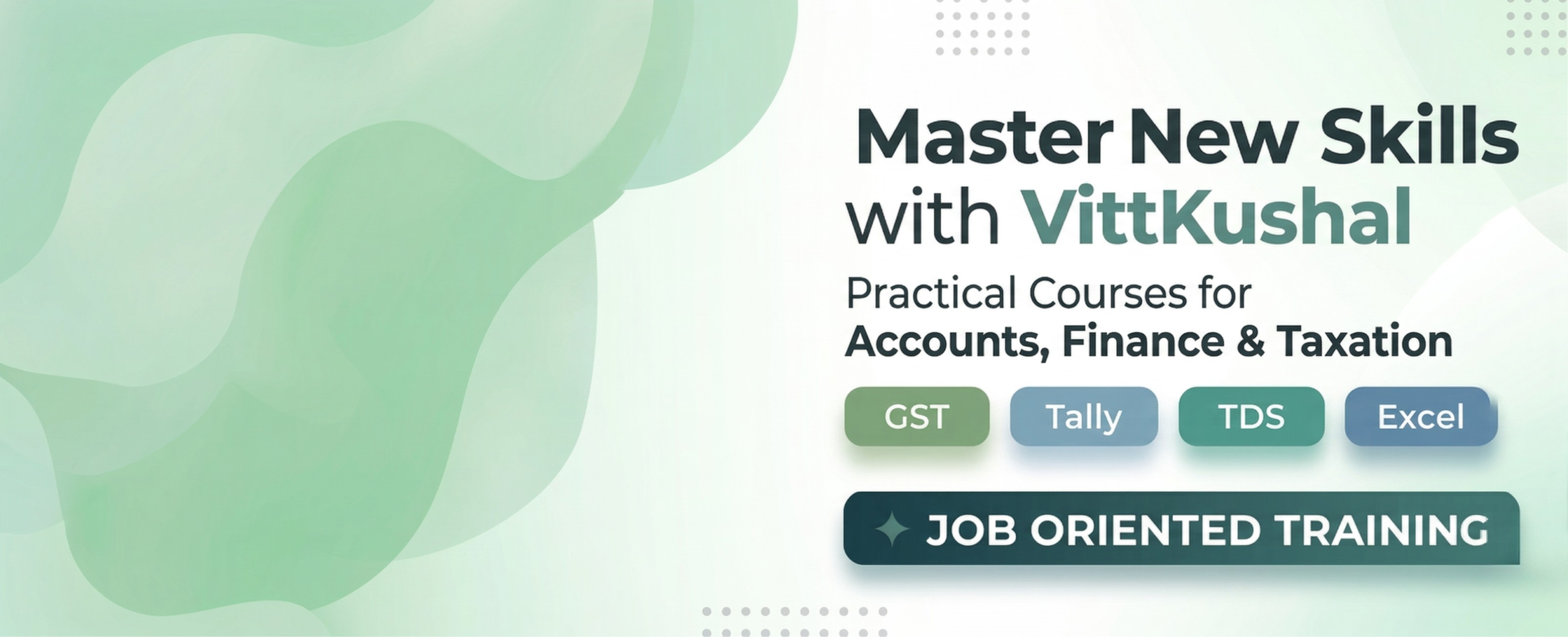
Build Your Career with
Practical Accounting Courses
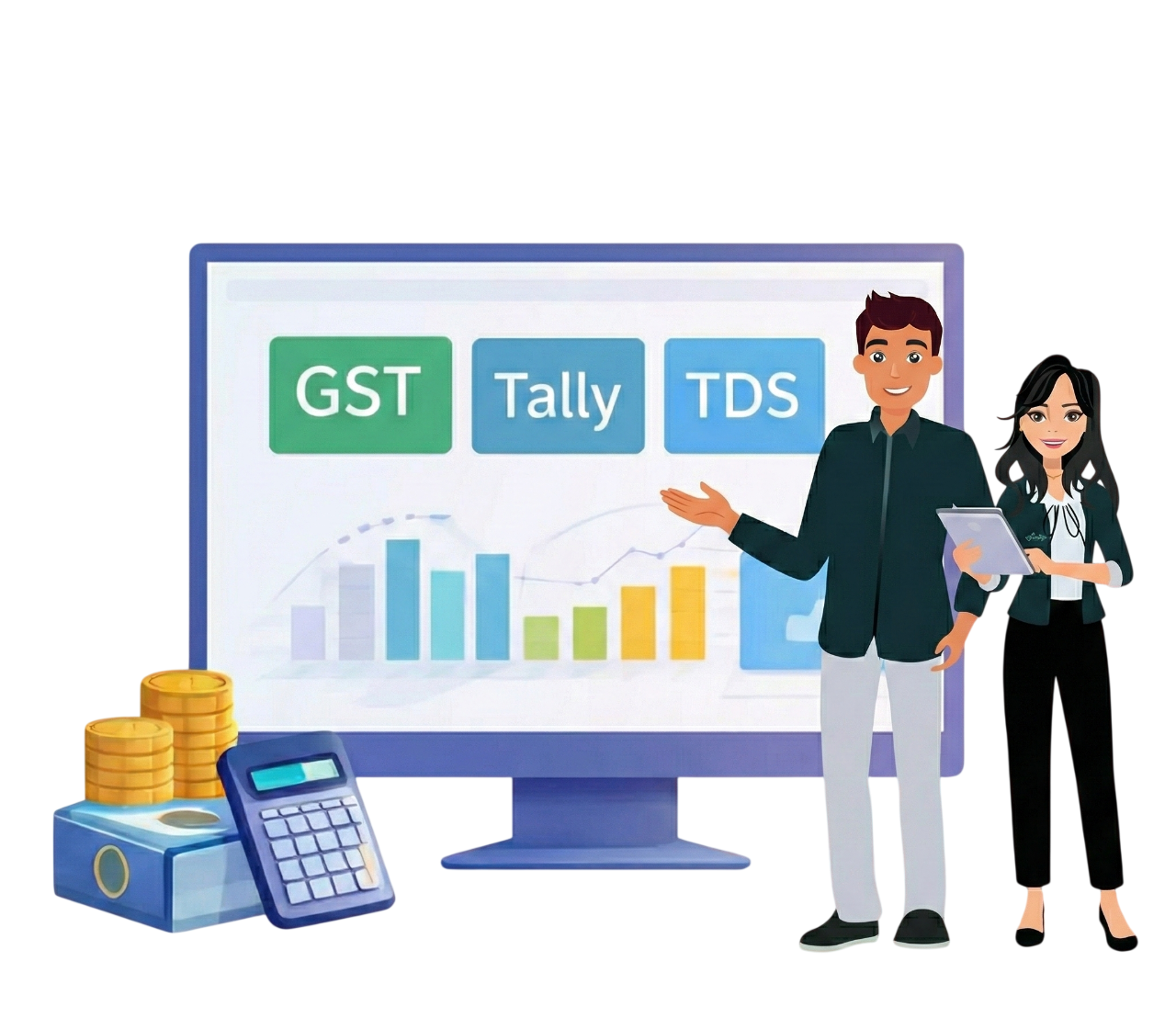
GST β’ Tally β’ TDS β’ Excel β’ Job-Oriented Training

Our Specialized Programs
- Animated Course
- Practical Training on Tax Simulators
- Affiliated Course with Certification
- 100% Placement Assistance
- Technical Session with Expert
- After Placement Assistance also
Learn. Get Skilled. Get Placed
(in Accounting, Finance & Taxation)
Choose us for a career-oriented learning experience. We provide 100% practical training with case studies and hands-on learning. We design our training to make you job-ready from day oneβwith hands-on, practical learning directly aligned with industry expectations. Through realβworld case studies, animated content in regional languages, and flexible delivery via online or offline classes, we ensure both accessibility and engagement.
Learn. Get Skilled. Get Placed
(in Accounting, Finance & Taxation)
Choose us for a career-oriented learning experience. We provide 100% practical training with case studies and hands-on learning. We design our training to make you job-ready from day oneβwith hands-on, practical learning directly aligned with industry expectations. Through realβworld case studies, animated content in regional languages, and flexible delivery via online or offline classes, we ensure both accessibility and engagement.
- Animated Course
- Practical Training on Tax Simulators
- Affiliated Course with Certification
- 100% Placement Assistance
- Technical Session with Expert
- After Placement Assistance also
We found 14 courses available for you
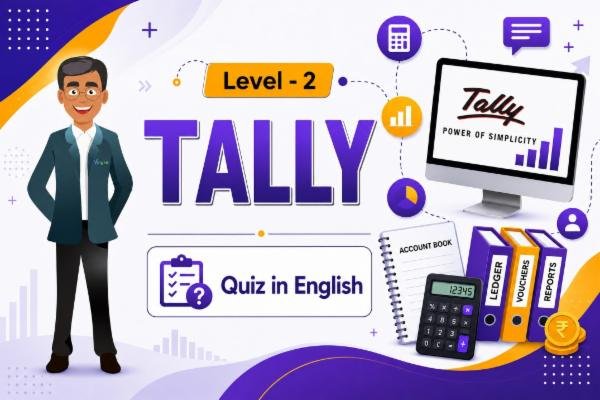
Tally Essential Learning Animated Course Level 2
- 0 Lessons
- 0 Students
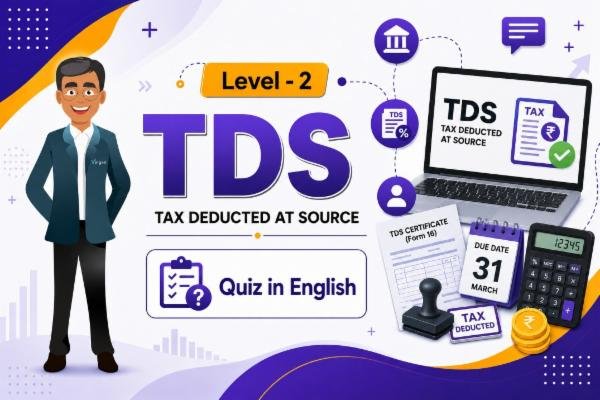
TDS Essential Learning Animated Course Level 2
- 0 Lessons
- 0 Students
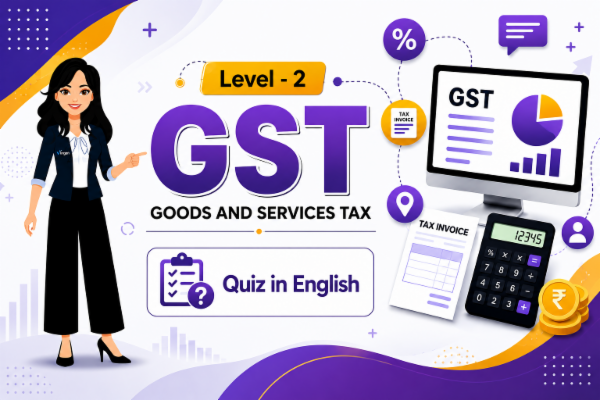
GST Essentials Learning Animated Course Level 2
- 0 Lessons
- 0 Students
How to Purchase Your Course
- Click on Courses and select View All Courses.
- Choose your preferred Class, Stream, Language, and Course.
- Review the course details and click Buy Now.
- Sign Up by entering your details and verify your email using the OTP.
- Complete the payment using your preferred payment method.
- After successful payment, the course will appear in the My Courses section.
- Click on the course and start learning.
How to Access Your Course
- Click on the Courses option from the menu bar.
- Scroll down and click on View All Courses.
- You will be redirected to the VittKushal Store page.
- Click on the Login button available in the top-right corner.
- In the login pop-up, select Already Have an Account / Login.
- Click on Continue with Email.
- Enter the Email ID and Password you used during registration.
- Click on the Next/Login button.
- Once logged in successfully, click on My Dashboard.
- Your purchased and active courses will be displayed on the dashboard.
- Select your course and start learning.